Count points on images
Description
This is an auxiliary widget that is primarily used for manual counting of objects in napari. You can manually mark the objects as Napari.Points layer with Napari set of tools.
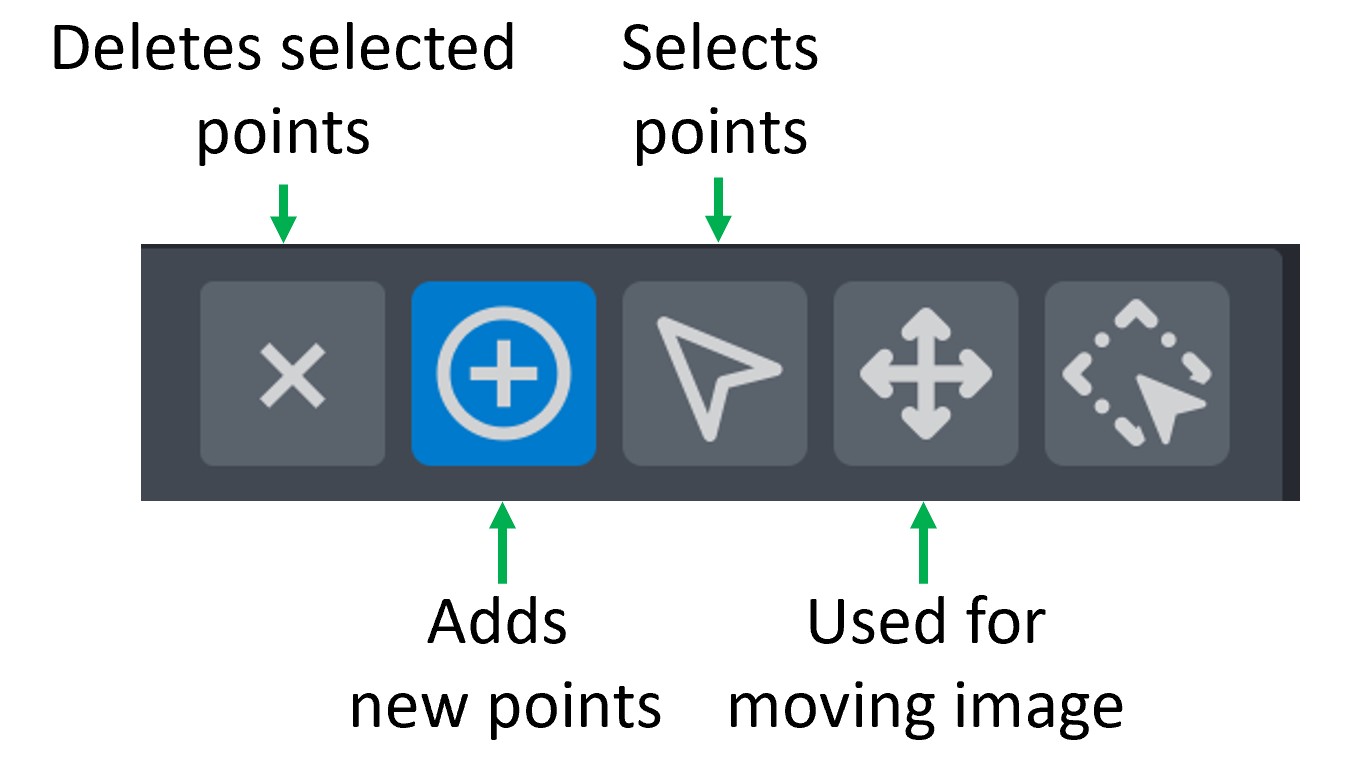
Napari set of tools to edit Points layer. Circle with plus sign inside (Second tool) is used for adding new points. Use arrow (Third tool) to select extra points (with pressed Ctrl to select several) and Delete button or Cross (First tool) to remove extra markers.
Then use this widget for counting the result number of points!
Parameters
Select points layer field is used for selecting Napari.Points layer that you want to count points on.